
 Español












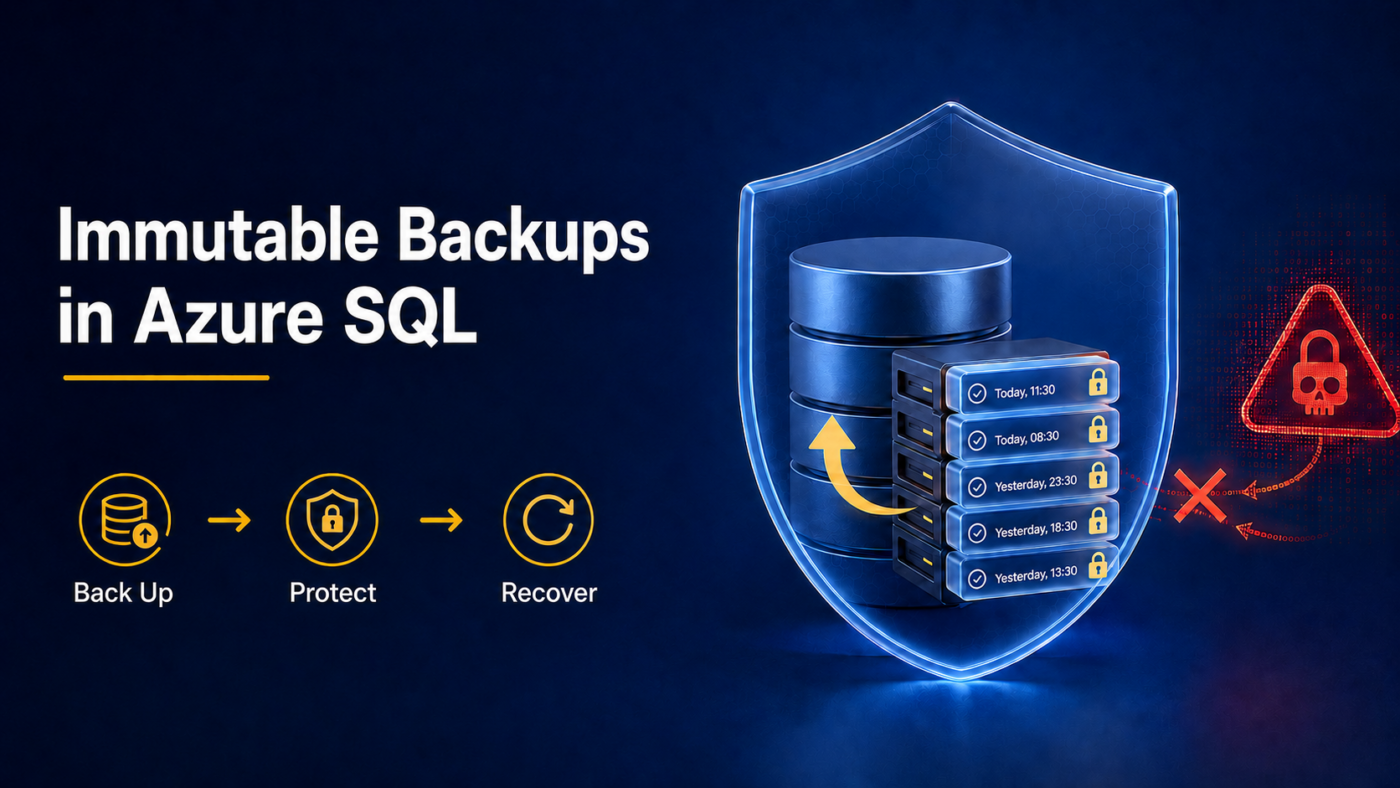
A backup can exist and still be unavailable when it is needed most. If an attacker obtains administrative credentials, they may attempt to delete or modify backup copies to prevent recovery. Therefore, immutable backups in Azure SQL represent an important step forward for business continuity.
On August 4, 2026, Microsoft announced the general availability of automatic immutability for recent Azure SQL Database and Azure SQL Managed Instance backups. This new capability strengthens protection against ransomware, administrative errors, and compromised accounts.
What Are Immutable Backups in Azure SQL?
An immutable backup is stored using a Write Once, Read Many (WORM) model. During the protected period, the copy cannot be modified or deleted, even if a highly privileged identity is compromised.
With this update, Microsoft automatically protects up to the most recent seven days of point-in-time restore (PITR) backups. According to the official Azure SQL announcement, the feature is enabled by default, requires no policy creation, and comes at no additional cost.
In addition, it applies regardless of the configured PITR retention period. However, this does not mean that the entire retention period is immutable. If a database retains 35 days of backups, the automatic protection in this release covers only up to the most recent seven days.
Why Does This Improvement Matter Against Ransomware?
Modern attacks do not only attempt to encrypt production data. They also seek to locate and delete accessible backups to reduce the possibility of recovery.
The CISA ransomware guide recommends maintaining encrypted and isolated backups, testing them regularly, and using protection against deletion or overwriting whenever available. Immutability reduces a critical risk: the loss of a valid backup because of malicious or accidental actions.
However, an immutable backup does not guarantee business continuity by itself. A copy may contain data that was already corrupted, while an untested restoration may take longer than expected. Therefore, companies also need monitoring, alerts, access controls, and documented procedures.
Five Steps to Strengthen Business Continuity
This new capability is a good opportunity to review the entire strategy:
- Inventory databases and classify their operational impact.
- Define RPO and RTO recovery objectives for each service.
- Review PITR retention and long-term preservation requirements.
- Test restorations and document times, owners, and results.
- Configure alerts, least-privilege access, and multifactor authentication.
Microsoft explains that Azure SQL performs automatic backups and supports point-in-time recovery. It also offers options such as long-term retention, geographic redundancy, and failover groups. Each option addresses a different risk within Azure SQL business continuity.
From an Automatic Feature to a Managed Strategy
Automatic immutability reduces administrative tasks, but it does not replace a recovery strategy. Microsoft also stated that the capability would roll out gradually across Azure regions and that Azure SQL Hyperscale is not included in this initial release.
With Nubetia’s managed services, a company can centralize infrastructure monitoring, review backup policies, strengthen access controls, document business continuity plans, and schedule restoration tests. Protection can also be extended across databases, servers, endpoints, and other workloads according to operational requirements.
The objective is not simply to confirm that “backups exist.” The right question is: can the company recover its systems within the timeframe the business requires?
Schedule a review to determine which support your company needs. You can schedule a consultation call here.
References:
Microsoft. (2026). Announcing Automatic Backup Immutability for Azure SQL Database and Azure SQL Managed Instance.
Microsoft. (2026). Business Continuity in Azure SQL Database.
