
 Español











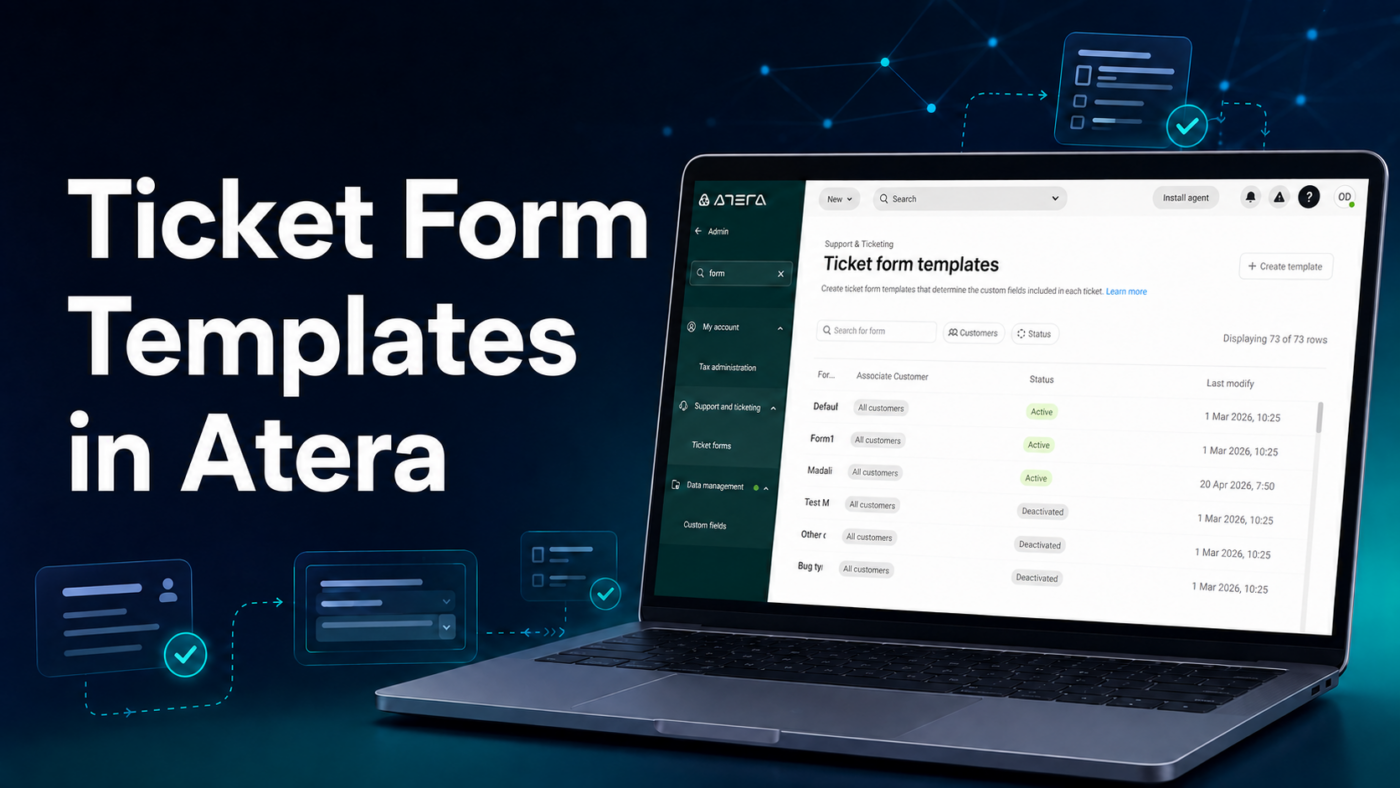
Does your IT team receive incomplete requests with missing details or unclear priorities? Ticket form templates in Atera standardize data collection from the first point of contact. As a result, technicians can understand each request and begin working with fewer follow-up messages.
For companies managing multiple departments, locations, or customers, this feature creates clearer, faster, and more measurable support processes.
What Are Ticket Form Templates in Atera?
Ticket form templates are customizable forms that include only the fields required for a specific type of request. Administrators can add, remove, and rearrange fields through a drag-and-drop interface. They can also create custom fields to collect additional information.
According to Atera’s official documentation, forms can be assigned to all customers or sites, restricted to specific groups, and configured as default forms at the account, customer, or site level.
For example, an organization could create different forms to:
- Request access or password changes.
- Report hardware failures.
- Register cybersecurity incidents.
- Request software installation.
- Process employee onboarding or offboarding.
- Report network connectivity problems.
Each form can collect different information. Therefore, a security incident does not have to follow the same process as a software installation request.
Less Missing Information, Greater Efficiency
When every ticket uses a generic form, technicians often need to request additional information before they can begin. This increases response times and creates unnecessary conversations.
Ticket form templates guide users to provide essential information from the start, such as the affected device, location, issue type, priority, and supporting evidence. Additionally, forms can be used as conditions for ticket automation rules. A request could be automatically assigned to a technician, given a specific priority, or directed through a predefined workflow.
Atera also centralizes tickets and their activity history, helping users and technicians stay aligned throughout the ticket lifecycle.
Benefits for Your IT Operation
Implementing ticket form templates can help your company:
- Standardize how support requests are submitted.
- Reduce errors and incomplete information.
- Categorize tickets more accurately.
- Improve ticket assignment and automation.
- Track service levels more effectively.
- Identify recurring incidents.
- Provide a simpler user experience.
A powerful platform delivers better results when it is supported by a well-designed process.
Get More From Atera With Nubetia’s Managed Services
At Nubetia, we do more than help your company obtain an Atera license. We can also support you with the configuration, customization, and operation of your service desk.
Our team can design forms aligned with your services, establish priorities, configure automation rules, and create effective tracking processes. Furthermore, through our managed services, we can help monitor, support, and continuously improve your IT infrastructure.
Would you like to reduce manual work and gain greater control over IT requests? Contact Nubetia to discover how Atera and our managed services can adapt to your operation.
You can schedule a consultation call here.
References:
Atera. (s. f.-a). Ticket form templates. Atera Support. https://support.atera.com/hc/en-us/articles/10190669862428-Ticket-form-templates
Atera. (s. f.-b). Tickets overview. Atera Support. https://support.atera.com/hc/en-us/articles/9258656888732-Tickets-overview
