
 Español












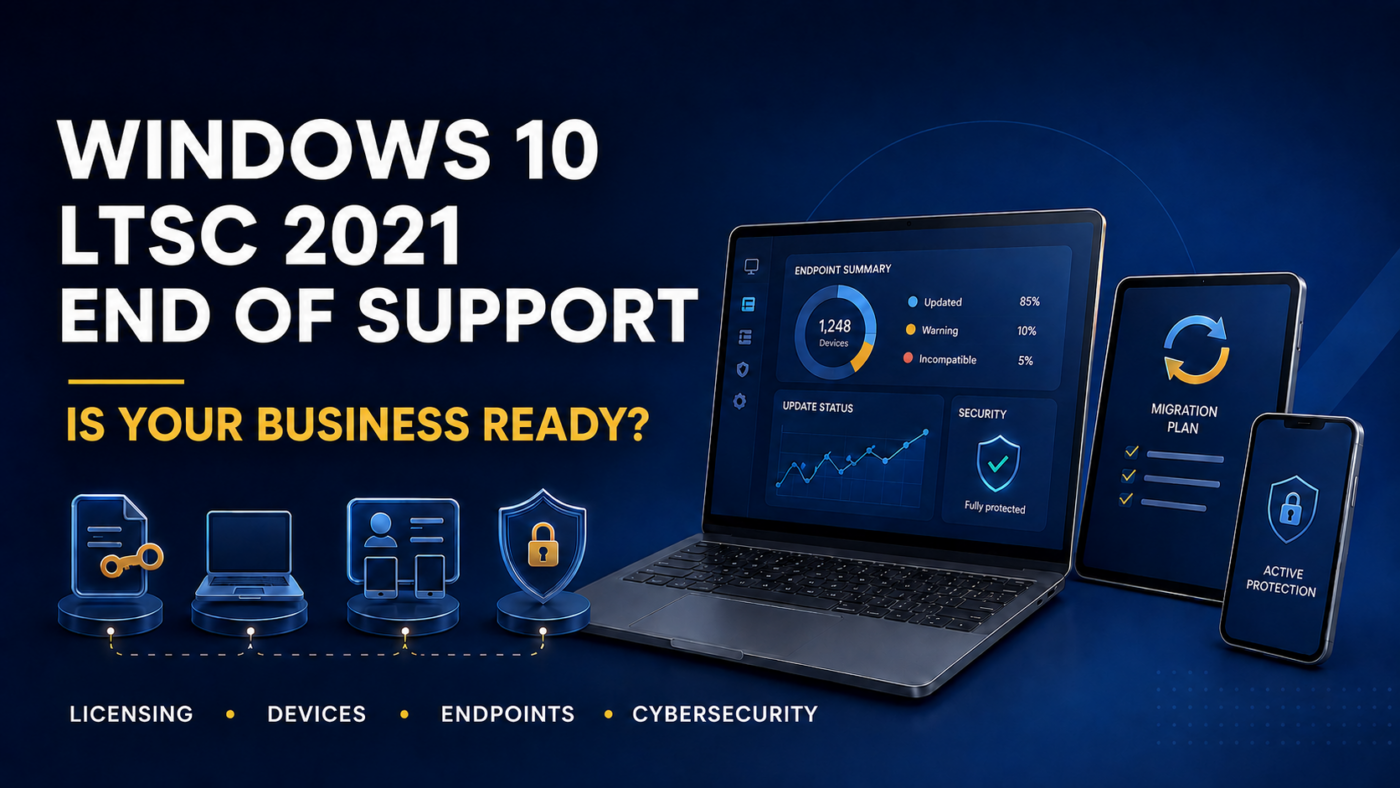
The Windows 10 LTSC 2021 end of support date has been confirmed: January 12, 2027. After that date, devices running this edition will no longer receive monthly security updates or standard technical support.
Although businesses still have a few months to prepare, waiting until the last minute could lead to compatibility issues, unexpected expenses, and cybersecurity risks. Organizations should begin reviewing their licenses, applications, devices, and endpoint management processes now.
What Does the Windows 10 LTSC 2021 End of Support Mean?
Microsoft confirmed that Windows 10 Enterprise LTSC 2021 will reach the end of its support lifecycle in January 2027. The company recommends migrating compatible devices to Windows 11 Enterprise LTSC 2024 to maintain up-to-date security capabilities.
However, it is important to verify the edition installed on each device. Windows 10 Enterprise LTSC 2021 and Windows 10 IoT Enterprise LTSC 2021 have different lifecycles. Therefore, organizations should not assume that all LTSC devices share the same end-of-support date.
More information is available in Microsoft’s official announcement and on its product lifecycle page.
The Risks of Using Unsupported Devices
An operating system may continue to work after its support period ends. However, this does not mean it remains secure.
When new vulnerabilities are discovered, unsupported devices may be exposed because they no longer receive the necessary security patches. Over time, businesses may also experience compatibility issues with applications, drivers, security tools, and enterprise platforms.
For this reason, migration should not be viewed as a simple Windows update. It is also an opportunity to assess the organization’s overall technology environment and security posture.
Checklist to Prepare for Migration
Before support ends, organizations should complete the following steps:
- Create an inventory of devices and installed Windows versions.
- Identify existing licenses and validate compliance.
- Review the compatibility of applications, peripherals, and critical systems.
- Confirm whether the hardware meets Windows 11 requirements.
- Identify devices that need upgrades or replacement.
- Back up information before each update.
- Test the migration with a controlled group of users.
- Create a schedule based on departments, locations, and priority levels.
Windows 11 requires, among other specifications, a compatible 64-bit processor, 4 GB of memory, 64 GB of storage, Secure Boot, and TPM 2.0. Microsoft recommends using the PC Health Check app to assess each device.
Endpoint Management During the Transition
Updating each computer manually can be time-consuming and make progress difficult to track. An endpoint management platform helps organizations monitor device status, automate tasks, and identify which computers are still pending.
Tools such as Atera make it possible to schedule updates, manage patches, and review reports from a centralized platform. According to its official documentation, its IT automation profiles help manage patches and maintenance tasks across Windows, macOS, and Linux endpoints.
The transition should also include endpoint protection, vulnerability assessments, EDR, backups, and continuous monitoring. An updated operating system is essential, but it represents only one layer of a complete cybersecurity strategy.
It Is Time to Create a Plan
The Windows 10 LTSC 2021 end of support should not become a last-minute emergency.
At Nubetia, we can help your organization review its device inventory, validate licensing, assess compatibility, upgrade hardware, and plan the migration. We can also manage your endpoints with Atera and integrate cybersecurity solutions to protect your operations before, during, and after the transition.
Schedule a review to determine which support your company needs. You can schedule a consultation call here.
References:
Microsoft. (2026). Plan for Windows 10 Enterprise LTSC 2021 end of support.
Microsoft. (2026). Windows 10 Enterprise LTSC 2021 Lifecycle.
Microsoft. (2026). Windows 11 specifications and system requirements.
Atera. (2026). Patch Management and IT Automation FAQ.
